How to Build a Subcontractor Management Plan PDF for Construction Projects
Subcontractor management is often the Achilles’ heel of construction projects. Missed approvals, vague scopes, and poor tracking can lead to disputes, cost overruns, and delays. If you’ve ever faced a subcontractor claiming extra payments for undefined work, you know exactly what I mean.
Creating a subcontractor management plan isn’t just paperwork—it’s your first line of defense against chaos. A well-structured plan ensures transparency, sets clear expectations, and keeps everyone accountable. Let’s break it down step by step.
Why You Need a Subcontractor Management Plan
Disputes with subcontractors are common, but they’re not inevitable. A solid management plan helps:
- Define scope clearly: Avoid vague task descriptions that lead to scope creep.
- Track progress accurately: Ensure completed work matches the approved budget and timeline.
- Control costs: Prevent unauthorized expenses by enforcing budget limits.
- Streamline payments: Link payments to approved measurements and milestones.
- Mitigate risks: Create a framework that reduces legal, financial, and operational risks.
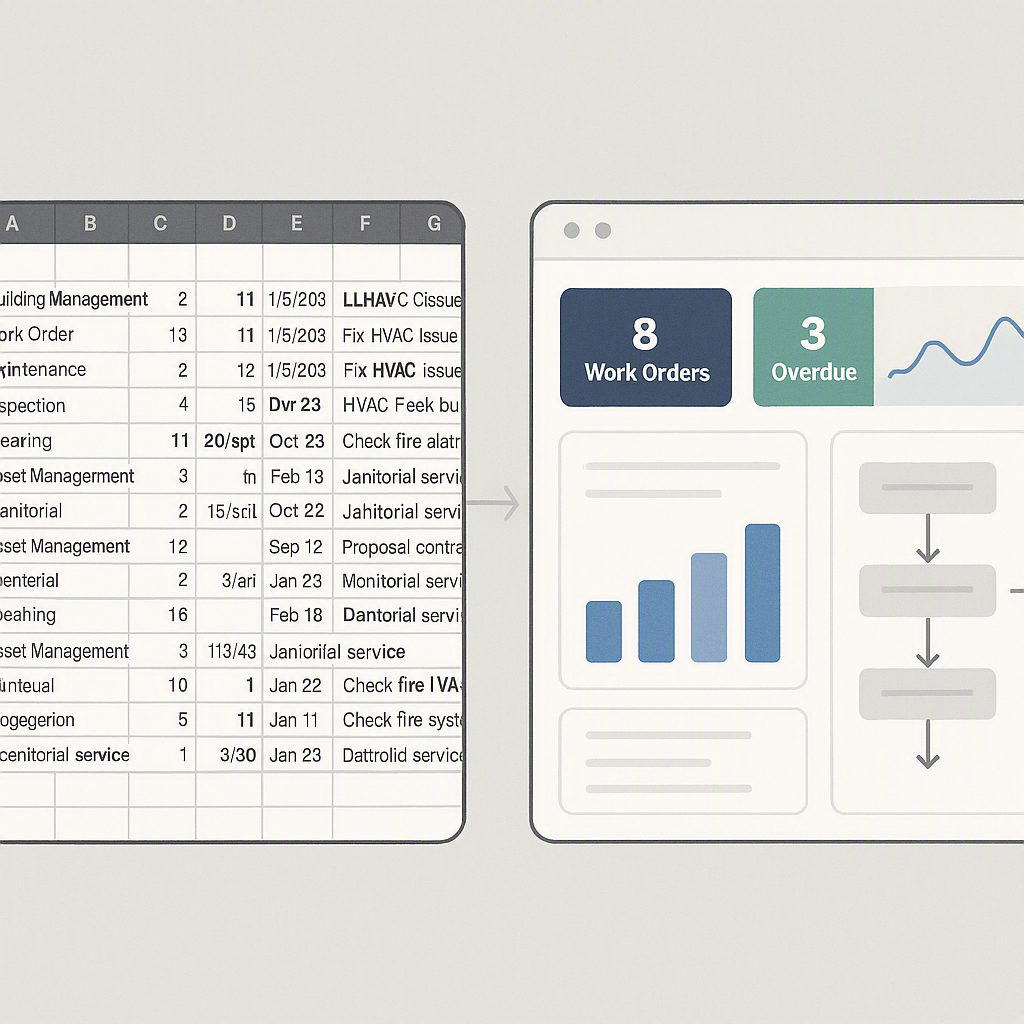
In short, it’s about creating workflows that leave no room for confusion. If you’re thinking, "But I already have spreadsheets for this," ask yourself: Do those spreadsheets actively prevent disputes or just document them after the fact?
A subcontractor management plan formalizes the processes that ensure transparency and accountability at every stage. It’s not just a document—it’s a strategy for project control.
Step-by-Step: Building Your Subcontractor Management Plan PDF
1. Break Down the Job Scope
Start by dividing your project into discrete work items. For example, instead of “Electrical works,” specify tasks like “Cable laying for Block A” or “Switchgear installation in Block B.” This granularity helps avoid ambiguity later.
Actionable Steps:
- Use a Work Breakdown Structure (WBS): A WBS divides the scope into manageable sections, such as phases, deliverables, and individual tasks. Each task should have a unique identifier.
- Define Deliverables: Clearly state what constitutes "completion" for each task. For example, "installing 25 meters of conduit" is more specific than "conduit installation."
- Document Dependencies: Identify tasks that rely on the completion of other tasks. For example, painting cannot begin until plastering is complete.
Pro Tip: Use tools like Microsoft Project or Primavera to organize and visualize your WBS.
2. Create and Approve a Budget
Every work item needs an associated budget. Without this, you’re setting yourself up for uncontrolled spending. Use tools like JobNext’s Subcontractor Budget Burn report to ensure your budgets align with your project’s financial limits.
Actionable Steps:
- Estimate Costs Accurately: Use historical data, supplier quotes, and industry benchmarks to forecast realistic costs for each task.
- Include Contingencies: Allocate 5–10% of the total budget for unforeseen expenses.
- Review with Stakeholders: Get approval from project managers, financial controllers, and other relevant parties to ensure alignment.
Comparison: Budgeting Tools
| Tool | Strengths | Weaknesses |
|---|---|---|
| Excel | Easy to use, widely accessible | No built-in approval workflows |
| JobNext | Automated tracking, real-time updates | Requires subscription |
| Primavera P6 | Advanced scheduling and cost management | High learning curve, expensive |
3. Define Work Requisition (WR) Procedures
Your site team should raise formal Work Requisitions (WRs) specifying what subcontracted work is needed. These WRs must go through an approval process to validate scope and budget before moving forward.
Actionable Steps:
- Standardize WR Forms: Include fields for task description, scope, estimated cost, and timeline.
- Set Approval Hierarchies: Define who approves WRs based on cost thresholds. For example, WRs below $10,000 might only need a site manager’s approval, while larger ones require higher-level sign-offs.
- Track Status: Use software to monitor WRs in real time, ensuring nothing falls through the cracks.
4. Use Competitive Bidding via RFPs
Convert approved WRs into Requests for Proposals (RFPs). Include detailed scope documents—drawings, BOQs, and technical specs—to avoid wide price variations and disputes. Invite at least three subcontractors to ensure competitive pricing.
Actionable Steps:
- Prepare Comprehensive RFPs: Attach all relevant documents, including drawings, material specifications, and deadlines.
- Evaluate Proposals Methodically: Use a scoring system to rank bids based on price, experience, and compliance with terms.
- Conduct Pre-Bid Meetings: Clarify scope and answer subcontractor questions to ensure accurate bids.
5. Issue Work Orders (WOs)
Once you’ve selected a subcontractor, generate a Work Order (WO) with all agreed terms. This formalizes the contract and ensures that no work starts without proper authorization.
Actionable Steps:
- Include Key Clauses: Specify start and end dates, payment terms, penalties for delays, and scope of work.
- Obtain Signatures: Ensure both parties sign the WO before work begins.
- Use Sequential Numbering: Assign unique numbers to WOs for easy tracking and audits.
6. Track Progress with Measurement Sheets
Progress measurement is where many plans fail. Use a structured system like JobNext’s three-tier measurement sheets:
- Header: High-level summary of work done.
- Detail: Itemized breakdown of quantities.
- Dimensions: Precise measurements (e.g., length × width × height).
Measurements must be reviewed and approved promptly to avoid disputes. Attach evidence like photographs or sketches wherever possible.
Actionable Steps:
- Conduct Regular Inspections: Verify work quality and quantities weekly.
- Use Mobile Apps: Field staff can upload measurements and photos directly to centralized software.
- Maintain Logs: Keep records of approved and pending measurements for reference.
7. Link Payments to Approved Measurements
Payments should follow a strict workflow:
Work Executed → Measurement Sheet Created → Measurement Approved → Bill Generated → Payment Processed
This ensures subcontractors are paid only for certified work. Any recoveries (e.g., material costs, retention) should be automatically deducted during billing.
Actionable Steps:
- Automate Billing: Use software to generate invoices based on approved measurements.
- Implement Retention Policies: Withhold a percentage of payments to ensure subcontractor compliance with quality standards.
- Reconcile Monthly: Regularly compare payments against approved work to catch discrepancies early.
Common Mistakes to Avoid
1. Vague Scope Descriptions
If your scope documents are unclear, subcontractors will interpret them to their advantage. Be specific and attach detailed drawings to avoid disputes.
2. Delayed Measurements
Measurements should be created as soon as work is completed. Delays lead to inaccuracies and disputes over cumulative totals.
3. Skipping Competitive Bidding
Awarding work without proper RFPs often leads to inflated costs. Always invite multiple subcontractors to bid.
4. Missing Approvals
Every stage—WR, RFP, WO, and measurements—requires approval. Skipping this step creates loopholes subcontractors can exploit.
FAQ
Q1: Can I use Excel instead of specialized software?
A: Excel works for basic tracking, but it doesn’t enforce approvals or prevent unauthorized spending. Software like JobNext ensures workflows are followed and budgets aren’t exceeded.
Q2: How do I handle disputes over measurements?
A: Attach evidence like photographs and sketches to your measurement sheets. This strengthens your case and reduces the likelihood of disputes.
Q3: What if a subcontractor demands extra payment for undefined work?
A: Refer to the approved Work Order and measurement sheets. If the work wasn’t scoped or measured, it’s not payable.
Q4: How do I ensure subcontractors stick to deadlines?
A: Set clear start and completion dates in your Work Orders. Use liquidated damages clauses to enforce penalties for delays.
Q5: How do I track materials provided to subcontractors?
A: Use material reconciliation reports to ensure subcontractors use supplied materials efficiently. JobNext automates this process.
Call to Action
If you’re struggling with subcontractor management workflows, JobNext can help. It simplifies budgeting, tracking, and payment with structured approvals and real-time reporting. Learn more →
Learn more at JobNext.ai