How Procurement Chaos Costs Contractors Millions
Procurement in construction is messy. Missed RFQs, delayed POs, and vendor confusion can cost contractors lakhs every year. A procurement manager at a mid-sized MEP firm in Mumbai recently shared how their team lost ₹25 lakh in just one quarter due to vendor mismanagement. Why? Manual workflows were the culprit — scattered spreadsheets, forgotten approvals, and no visibility into vendor performance.
But it’s not just small mistakes adding up. Procurement chaos creates ripple effects: delayed material deliveries, stalled projects, subcontractor disputes, and penalties for missed deadlines. Let’s dive deeper into why this happens, how much it costs, and how structured workflows can fix it.
The Problem: A Broken Workflow
Here’s a typical scenario:
Material Requests (MR)
Site engineers submit handwritten requests that don’t match inventory records. For example, a project in Hyderabad faced a 3-week delay because the material request was incorrectly written as “100 bags of cement” instead of “100 cubic meters of ready-mix concrete.” The procurement team ordered the wrong material, leading to supplier disputes and extended timelines.
Requests for Quotation (RFQ)
Procurement teams often send RFQs late or incomplete, giving vendors little time to respond. A study by Deloitte found that 30% of RFQs in construction fail to include all required details, such as material specifications and delivery timelines. Vendors then quote inaccurately or miss submission deadlines altogether.
Vendor Offers
Multiple email threads make it impossible to track who quoted what. In one case study shared by Procore, a contractor lost ₹10 lakh because they accidentally awarded the PO to a vendor quoting above the L1 bidder. Without a centralized system, errors like this are common.
Purchase Orders (PO)
Approvals get stuck because no one knows who’s responsible. A project manager at a Delhi-based construction firm admitted their POs often sat idle for days because approvers were unavailable. This stalled procurement timelines and delayed projects.
These inefficiencies aren’t just frustrating — they’re expensive. According to a McKinsey report, poor procurement processes account for up to 15% of cost overruns in construction projects globally. For a ₹100 crore project, that’s ₹15 crore in avoidable costs.
The Fix: Structured Procurement Workflows
Contractor ERPs like JobNext solve this by introducing structured, end-to-end workflows. Here’s what that looks like:
1. Material Requests (MR)
JobNext’s procurement module lets site engineers raise Material Requests directly in the system, linking them to job-specific BOQs (Bill of Quantities). This ensures requests are accurate and inventory is checked before approval. For example, if a site engineer requests steel rods, the system checks available stock and flags over-orders or discrepancies.
Actionable Step: Train site engineers to input Material Requests into the ERP system. Create a checklist for key fields, such as material type, quantity, and urgency.
2. RFQ Automation
With JobNext, RFQs are generated automatically based on approved MRs. You can circulate RFQs to vendors with predefined templates, track responses, and evaluate offers using comparative statements. This eliminates manual errors and speeds up the RFQ cycle.
Actionable Step: Maintain a vendor database with pre-approved templates for RFQs. Set up auto-reminders to ensure vendors respond within deadlines.
3. Vendor Offers Tracking
Instead of juggling email threads, JobNext centralizes all vendor offers in one place. Procurement managers can evaluate quotes side-by-side, documenting the rationale for vendor selection. This creates an audit trail — essential if you don’t pick the L1 bidder.
Actionable Step: Use ERP reporting to review vendor performance quarterly. Rank vendors based on pricing, delivery timelines, and quality compliance.
4. Approval Chains
JobNext’s multi-level approval workflows ensure POs don’t get stuck. Approvers are notified automatically, and you can set conditional rules (e.g., budget limits) to speed up decisions.
Actionable Step: Configure approval workflows with clear escalation paths. If an approver is unavailable, route decisions to a backup approver.
Real ROI: ₹25 Lakh Saved
One of JobNext’s case studies highlights how a GCC-based contractor saved ₹25 lakh annually by switching to structured procurement workflows. Here’s what they achieved:
- 40% Reduction in RFQ Cycles: Automated RFQs and reminders sped up vendor response times.
- 50% Fewer Vendor Disputes: Centralized tracking ensured transparency in vendor selection.
- Zero Penalties for Late Deliveries: Improved material planning avoided project delays.
The contractor also reported better relationships with vendors, who appreciated the clarity and professionalism of the new system.
Why ERP Beats Generic Tools
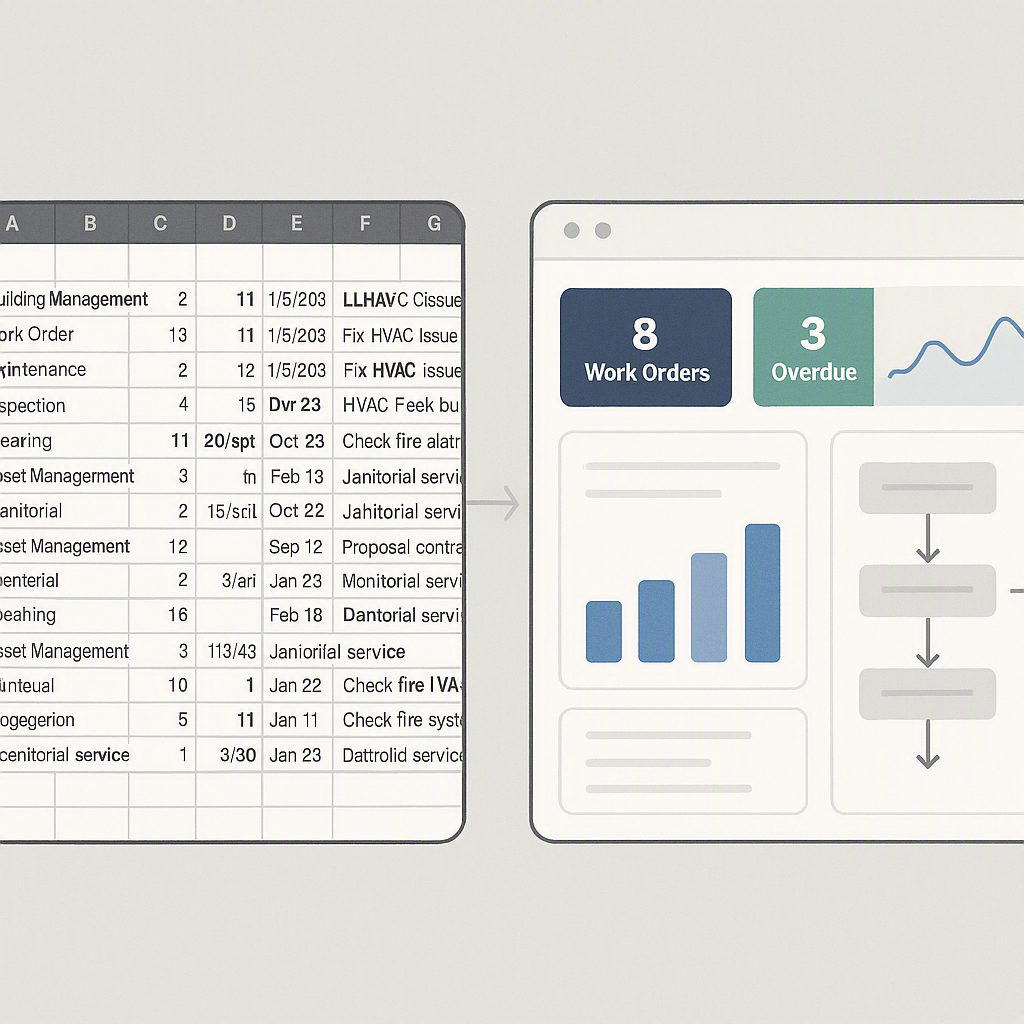
You might be thinking, “Can’t I just use Excel or Google Sheets for this?” Sure, if you enjoy micromanaging chaos. But spreadsheets don’t handle scale well. They’re prone to errors, lack real-time visibility, and can’t enforce approval workflows.
Example:
A construction firm in Pune tried managing procurement with Excel. Their team missed a critical formula error in an RFQ comparison sheet, which resulted in overpaying by ₹5 lakh. ERPs prevent such mistakes by automating calculations and enforcing workflows.
ERPs like JobNext are purpose-built for construction. They integrate procurement with project tracking, finance, and HR, so you get a unified view of operations.
What to Look for in Construction ERP Procurement
When evaluating ERP software, here are the must-have features:
| Feature | Why It Matters |
|---|---|
| MR→RFQ→PO Workflow | Ensures requests are tracked end-to-end |
| Vendor Comparative Statements | Reduces selection bias, creates audit trails |
| Approval Chains | Prevents bottlenecks, improves compliance |
| Inventory Integration | Avoids over-ordering, tracks stock usage |
Decision Framework:
- Assess Your Needs: How many vendors do you manage? Are your procurement processes manual or semi-automated?
- Compare Features: Does the ERP offer vendor tracking, inventory management, and approval workflows?
- Calculate ROI: Estimate cost savings by reducing delays, disputes, and penalties.
- Test Scalability: Can the ERP handle larger projects as your company grows?
FAQ: Common Questions About ERP Procurement
Q: How long does ERP implementation take?
A: For mid-market contractors, it typically takes 3-6 months, depending on the modules you need. Larger firms may require up to 12 months due to the complexity of integrations.
Q: Can ERP handle multi-currency procurement?
A: Definitely. Tools like JobNext support dual GST (India) and GCC VAT, making cross-border procurement seamless. Multi-currency support ensures accurate cost calculations across regions.
Q: What’s the ROI timeframe?
A: Most contractors start seeing savings within a year, especially in procurement and billing. The exact timeframe depends on the scale of inefficiencies addressed.
Q: What training is needed for ERP adoption?
A: Training typically includes workshops for site engineers, procurement teams, and project managers. Focus areas include creating MRs, managing RFQs, and vendor evaluations.
Q: Can ERP integrate with existing tools?
A: Yes. Most modern ERPs offer APIs or connectors to integrate with accounting software, project management tools, and inventory systems.
Call to Action
If manual procurement chaos is costing you margins, it’s time to switch to structured workflows. JobNext simplifies procurement from MR to PO, saving you time and money. Get started →
Learn more at JobNext.ai