Why Billing Chaos Costs Contractors Real Money
If you're a contractor managing facilities, you've probably felt the pain of billing chaos. Missed invoices. Unapproved measurements. Clients disputing scope because documentation was incomplete. It's not just frustrating — it's costing you money.
In my experience, most margin erosion in facilities management starts with bad billing workflows. Without a structured system, contractors lose visibility across their projects. And when you're juggling multiple sites, teams, and clients, the cracks multiply fast. Revenue leakage is real.
A 2023 report from Frost & Sullivan estimates that 40% of contractors in the GCC region lose up to 8% of their annual revenue due to billing inefficiencies. That's not a rounding error. That’s your profit walking out the door.
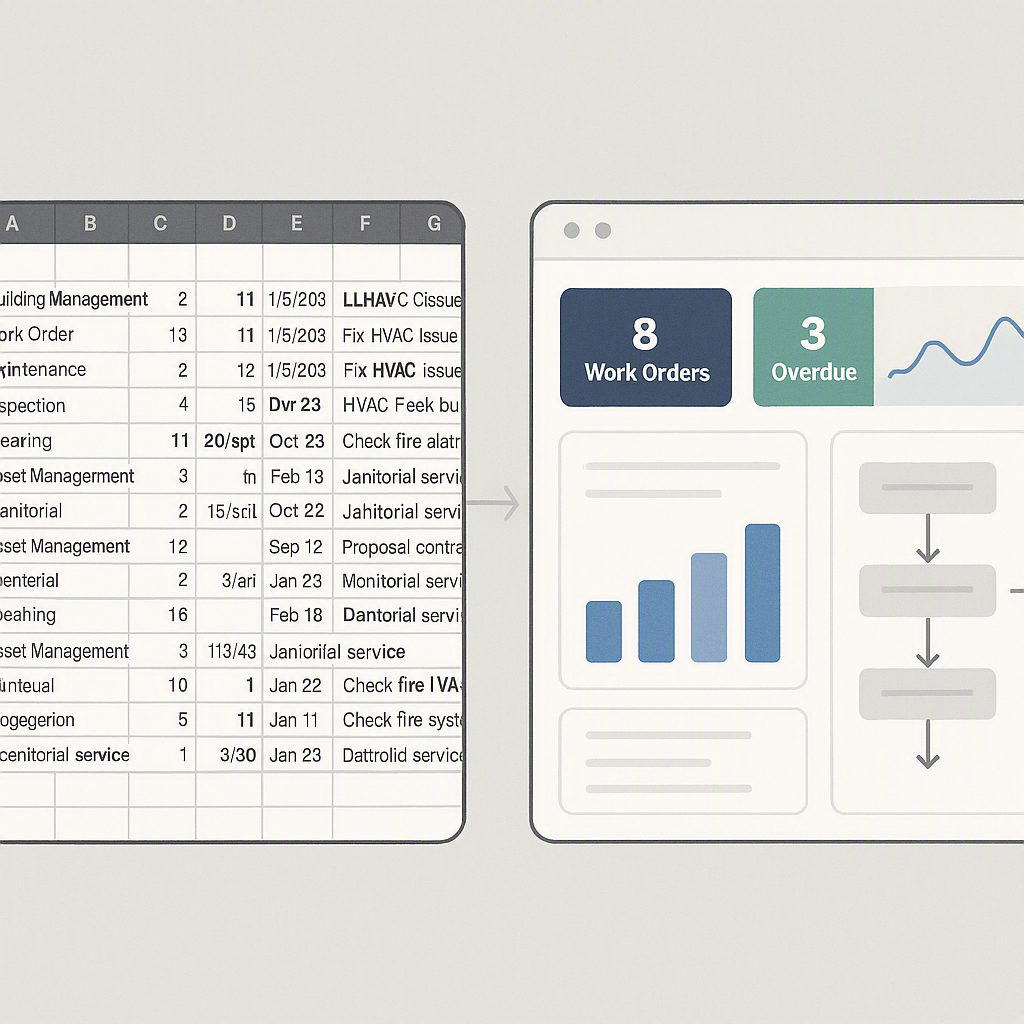
The Problem: Disconnected Systems
Here's a typical scenario: Your preconstruction team creates a BOQ (Bill of Quantities) during tendering. But once the project starts, that BOQ isn't updated in real time. Procurement issues materials, subcontractors submit measurements, and finance scrambles to generate invoices — all in separate systems. Sound familiar?
This disconnect leads to:
- Missed revenue opportunities: Partial invoices or delays in progress billing.
- Scope disputes: Clients push back on invoices because they can't see approved measurements.
- Manual errors: Re-keying data across systems introduces mistakes.
Example: The ₹20 Lakh Mistake
A contracting firm in Dubai discovered they had undercharged a major client by ₹20 lakh over a year due to mismatched BOQ and billing data. The finance team relied on spreadsheets to track progress, which led to errors in RA bill generation. By the time the mistake was caught, the client had already closed their fiscal year, leaving no room for adjustments.
Actionable Steps to Avoid Disconnected Systems
- Centralize Data: Use a single platform for BOQ management, material tracking, and invoicing.
- Audit Regularly: Conduct monthly audits to ensure BOQ updates match site progress.
- Train Your Team: Educate procurement, project managers, and finance teams on cross-functional workflows.
The Fix: CAFM Software With Integrated Billing
Not all CAFM (Computer-Aided Facilities Management) software is built for contractors. Many tools focus on asset tracking or maintenance schedules but overlook the unique challenges of job-based billing. That’s where unified platforms like JobNext come in.
How JobNext Solves Billing Chaos
JobNext isn't your generic CAFM tool. It's designed with contractors in mind. Here's what stands out:
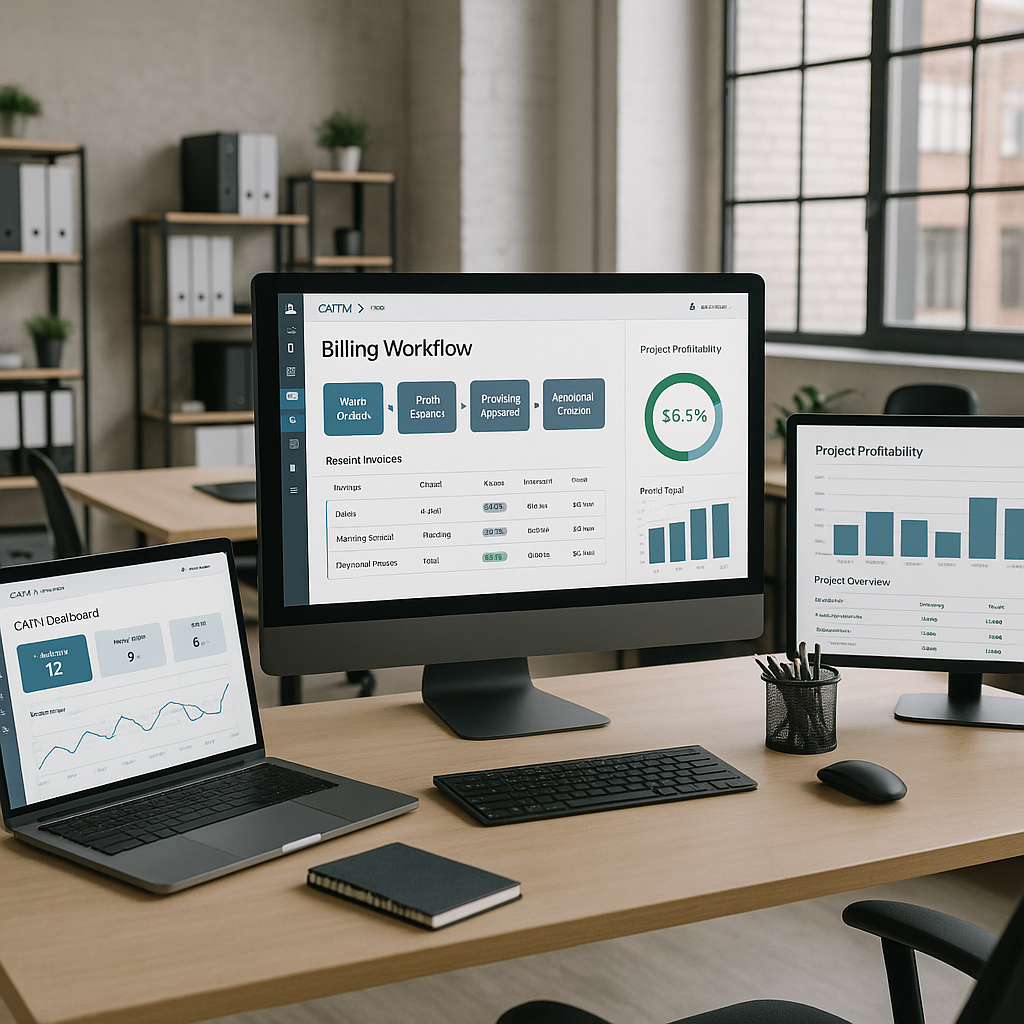
- Six Billing Methods: Whether you're invoicing stage-wise, by RA bills, or using one-time invoices, JobNext supports it. Every method is tied to the BOQ, ensuring no discrepancies between scope and billing.
- Measurement-Based Approvals: Subcontractors submit progress measurements directly in the system. These go through approval workflows before being locked into invoices. No more disputes.
- Automatic Accounting Integration: Every certified invoice generates accounting entries automatically. No need for manual re-entry into your ERP.
Case Study: Oman Contractor Saves ₹15 Lakh
One contracting firm in Oman used JobNext to centralize their billing. Within six months, they eliminated ₹15 lakh in revenue leakage simply by automating RA bill workflows. Their finance team also reported fewer client disputes and faster payment cycles.
Actionable Steps to Leverage CAFM for Billing
- Map Your Billing Process: Identify where delays, disputes, or errors occur.
- Choose the Right Platform: Opt for tools like JobNext that specialize in contractor workflows, not just asset tracking.
- Pilot Before Scaling: Test the CAFM software on a smaller project before rolling it out across all sites.
CAFM vs. CMMS: Why It Matters
You might be wondering: "Why not just use a CMMS (Computerized Maintenance Management System)?" It's a fair question. CMMS tools are great for maintenance schedules and asset tracking. But they aren't built for complex contractor workflows.
Key Differences Between CAFM and CMMS
| Feature | CMMS Focus | CAFM Focus |
|---|---|---|
| Primary Function | Maintenance management | Facilities and project management |
| Billing Integration | Limited | Robust, job-based billing |
| BOQ Management | Not Supported | Fully integrated |
| Use Case | Asset-centric workflows | Contractor-centric workflows |
CAFM tools like JobNext excel because they integrate project execution with billing. You get a unified view of job progress, material consumption, and subcontractor performance — all tied to your invoicing system. That’s a game-changer for margin control.
Actionable Steps to Decide Between CMMS and CAFM
- Evaluate Your Workflows: If your focus is maintenance, CMMS might suffice. For job-based billing, CAFM is better.
- Request Demos: Test drive both systems to see which aligns better with your needs.
- Consult Your Team: Involve project managers, finance teams, and subcontractors in the decision-making process.
What to Look for in CAFM Software
Not all CAFM platforms are created equal. If you're evaluating options, prioritize these features:
| Feature | Why It Matters |
|---|---|
| Integrated BOQ Management | Ensures billing aligns with contracted scope |
| Approval Workflows | Prevents unauthorized invoices or payments |
| Finance Integration | Avoids manual re-entry and reduces accounting errors |
| Role-Based Access Control | Keeps sensitive financial data secure |
| Multi-Currency Support | Critical for GCC contractors working across borders |
Real-World Results
One of our clients, a mid-sized MEP contractor in Saudi Arabia, struggled with manual billing processes. They often missed RA billing deadlines because client approvals were delayed. After switching to JobNext, they:
- Reduced invoice turnaround time by 50%
- Increased cash flow predictability by automating GST-compliant invoices
- Saved ₹12 lakh annually in missed revenue
The difference? A system that ties billing to real-time project data.
FAQ
Q: Can CAFM software handle multiple billing methods? A: Some can, but look for tools like JobNext that support six distinct methods, from RA bills to one-time invoices.
Q: How does CAFM software improve client relationships? A: By providing real-time transparency into project progress and billing data, reducing disputes.
Q: Is CAFM better than CMMS for contractors? A: Yes, if you're managing job-based workflows. CMMS focuses on maintenance, while CAFM integrates project execution, billing, and finance.
Q: How long does it take to implement CAFM software? A: Implementation can take anywhere from 4-12 weeks depending on the complexity of your workflows and the size of your organization.
Q: What are the typical costs of CAFM software? A: Costs vary widely, but most platforms offer tiered pricing based on the number of users and features. Expect anywhere between ₹50,000 to ₹5,00,000 annually for mid-sized contractors.
Final Thoughts
If your facilities contracts are bleeding margins, the issue might not be your pricing. It’s probably your billing. Disconnected systems create chaos, but the right CAFM software can fix it. JobNext's integrated billing module is one example of how contractors can stop revenue leakage and protect their bottom line.
Read more about how JobNext optimizes contractor workflows →
Learn more at JobNext.ai