ERP Implementation Can Break Margins — If You Let It
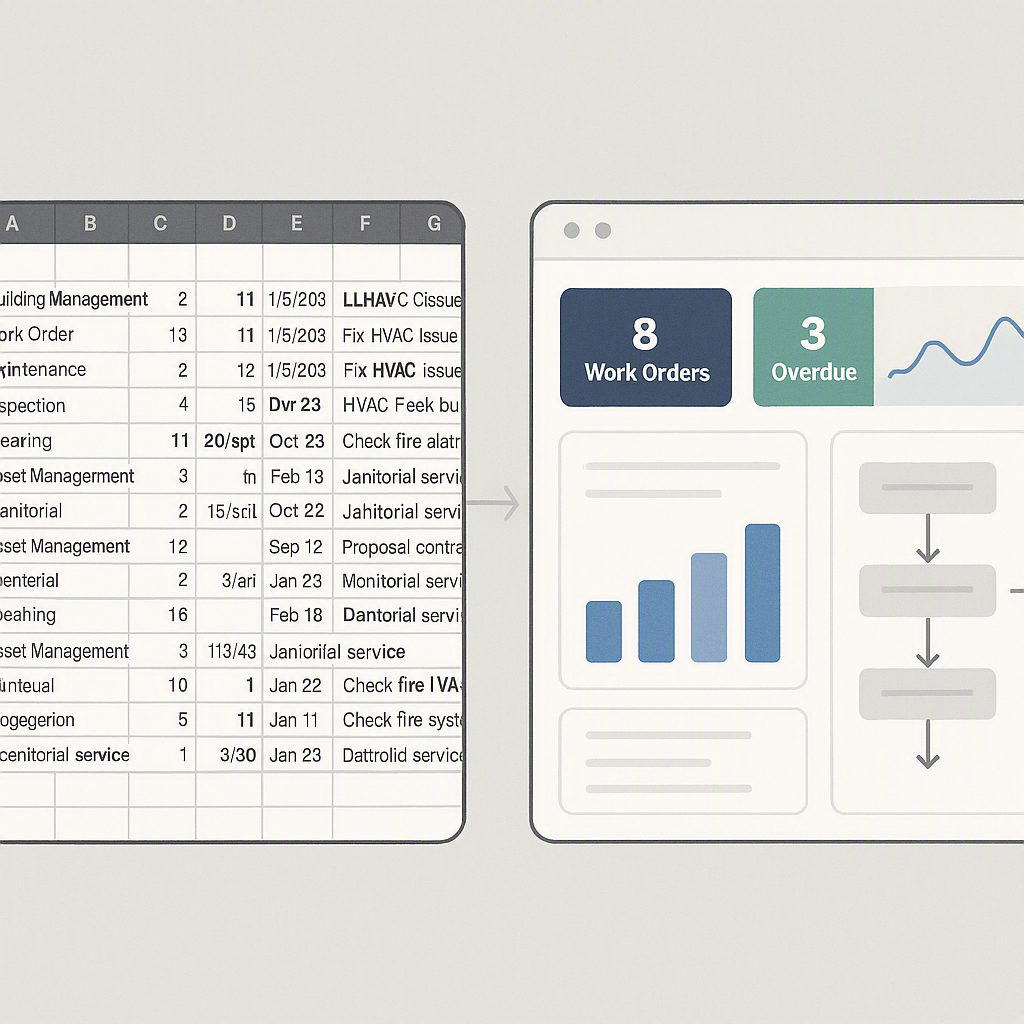
Rolling out an ERP system in construction isn’t just an IT project. It’s a high-stakes business transformation. Done right, it aligns your teams, streamlines operations, and lets you track costs in real-time. Done wrong? It’s chaos — delayed approvals, missed invoices, and frustrated teams still relying on Excel.
We’ve seen contractors across India and the GCC lose upwards of ₹1.2 crore annually due to poor ERP integration (JobNext.ai). Why? Because they skip critical steps during implementation. Let’s break down the 7 steps that actually matter.
1. Lock Down Your Business Processes First
An ERP can’t fix broken processes. If your procurement approvals are already a mess, automating them won’t magically solve it. Before you even touch the software, map out key workflows:
- How does a Work Requisition (WR) move from site to procurement?
- Who approves vendor selections?
- Are budgets locked before procurement starts?
Actionable Steps:
- Conduct workshops with department heads to map workflows.
- Identify bottlenecks in existing processes. For example, are approvals delayed due to manual paperwork?
- Standardize workflows before ERP implementation — use tools like Lucidchart or Visio for process mapping.
Example:
A contractor in Gujarat streamlined their procurement with a pre-implementation audit. Their team discovered that vendor approvals were taking 7 days longer than necessary due to redundant checks. By eliminating these redundant steps, their ERP implementation became much smoother.
2. Start with a Pilot Job
Don’t roll out ERP to every project on Day 1. Pick one mid-size project as your pilot. Why mid-size? Too small, and you won’t stress-test the system. Too large, and failures will be catastrophic.
Actionable Steps:
- Select a project with moderate complexity (e.g., ₹2–5 crore).
- Assign a dedicated ERP champion for the pilot — someone who understands both tech and construction workflows.
- Document every issue during the pilot phase to refine processes before scaling.
Case Study:
A ₹50 crore EPC client we worked with ran their pilot on a ₹3 crore interior fit-out job. They caught issues with subcontractor workflows early — like missing measurement sheets delaying payments. Scaling ERP became much smoother afterward.
3. Train Your Teams — Not Just IT
ERP success depends on the people using it, not just the software. Yet most contractors only train their IT team. Wrong move.
Actionable Steps:
- Create role-specific training modules. For example:
- Site Engineers: Raising Work Requisitions (WRs).
- Procurement Teams: Managing RFP approvals.
- Finance Teams: Integrating billing with GST compliance.
- Use live walkthroughs instead of PowerPoint-heavy sessions. Tools like Loom can help create video tutorials.
- Provide post-training support for the first 90 days to address user queries.
Example:
A contractor in Dubai avoided ERP rollout chaos by training site engineers on WR workflows before go-live. They used hands-on sessions to clarify steps, reducing errors by 40% in the first month.
4. Integrate with Your Existing Tools
No ERP works in isolation. If your new system doesn’t talk to tools like Tally or Razorpay-X, you’re creating more work, not less.
Actionable Steps:
- Make a list of critical integrations (e.g., Tally, SAP, Razorpay-X).
- Test integrations during the pilot phase. Ensure data flows seamlessly.
- Automate data imports wherever possible to reduce manual entry.
Example:
JobNext integrates directly with Tally for Indian statutory compliance. This means GST, TDS, and statutory deductions (PF, ESI) flow automatically into your financial reports — no manual re-entry (JobNext.ai).
5. Don’t Skip Data Validation
Garbage in, garbage out. If your BOQ, vendor master, or WBS templates are outdated, your ERP will amplify those mistakes. Before going live, validate:
- Vendor Master: Are all subcontractors registered with accurate GST numbers?
- BOQs: Do quantities match the latest site conditions?
- Chart of Accounts: Does your financial ledger map correctly to the ERP?
Actionable Steps:
- Use data validation tools to clean up vendor masters and BOQs.
- Involve project managers in reviewing site-specific BOQs before uploading.
- Run test scenarios to identify mismatches early.
Case Study:
One contractor we consulted had mismatched BOQs that caused billing discrepancies across three projects. It took them six weeks to fix — time they couldn’t afford to lose.
6. Enforce Approval Workflows Immediately
ERP systems like JobNext come with built-in approval workflows for a reason. Use them from Day 1. Why? Because without enforced approvals, site engineers will bypass processes, and you’ll be back to Excel chaos.
Actionable Steps:
- Set up multi-level approval gates for every major workflow (e.g., WR, WO, billing).
- Assign accountability for each approval stage — no blanket delegations.
- Use ERP dashboards to monitor pending approvals in real time.
Example:
JobNext’s subcontractor workflow includes multi-level approvals at every stage — from WR to WO. No payment is processed until measurement sheets are approved (JobNext Subcontractor Workflow).
7. Track ROI from Day 1
Contractors often treat ERP as a sunk cost. Big mistake. You need to track ROI from the start. What does success look like?
- Are project profitability dashboards updated in real-time?
- Have procurement delays reduced?
- Are subcontractor payments aligned with actual work progress?
Actionable Steps:
- Define key metrics before implementation (e.g., approval time, billing errors).
- Use ERP analytics tools to generate weekly reports.
- Regularly review ROI with department heads and adjust workflows accordingly.
Example:
JobNext offers 150+ pre-built SSRS reports, so you can monitor metrics like BOQ consumption, subcontractor costs, and billing status in real time (JobNext.ai).
Comparison Table: Pilot vs Full Rollout
| Aspect | Pilot Rollout | Full Rollout |
|---|---|---|
| Scope | Single project | All active projects |
| Risk | Low | High |
| Feedback Loop | Rapid | Slower |
| Cost | Minimal | Significant upfront costs |
| Training Focus | Core team + project staff | All teams |
FAQ
1. How long does ERP implementation take? It varies, but for mid-size contractors, 6-9 months is typical. Piloting first can shorten the timeline.
2. What’s the biggest ERP implementation challenge? People. Lack of training and resistance to change are bigger issues than software bugs.
3. Can ERP work without Tally integration? Technically, yes. But for Indian contractors, Tally integration simplifies GST, TDS, and statutory compliance significantly.
4. How do I choose the right ERP? Focus on features tailored to construction: BOQ management, subcontractor workflows, and multi-level approvals are must-haves.
5. Is ERP worth the cost for small contractors? If you’re managing multiple projects or struggling with manual processes, yes. The ROI comes from fewer mistakes and better cost tracking.
Final Thoughts
ERP implementation isn’t about the software. It’s about aligning people, processes, and technology. Skip the steps above, and you’ll bleed margins. Follow them, and you’ll see faster ROI and less chaos.
If you’re dealing with disconnected systems or manual procurement headaches, JobNext can help. Explore JobNext’s ERP solutions →
Learn more at JobNext.ai