Why Billing is the Achilles' Heel for Contractors
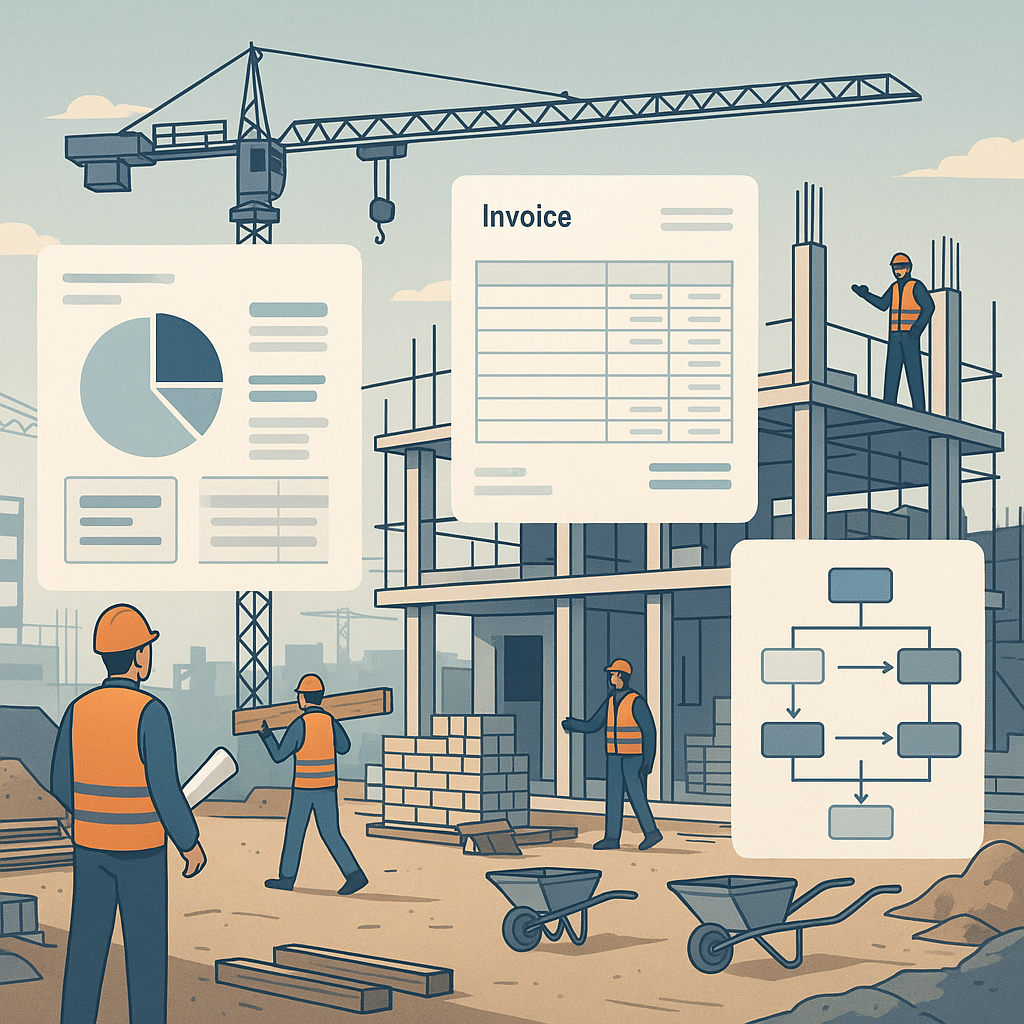
Let’s be blunt: billing is where most contractors lose money. Forget flashy dashboards or fancy analytics for a second. If your billing processes are messy, your cash flow suffers. And without cash flow, your projects grind to a halt.
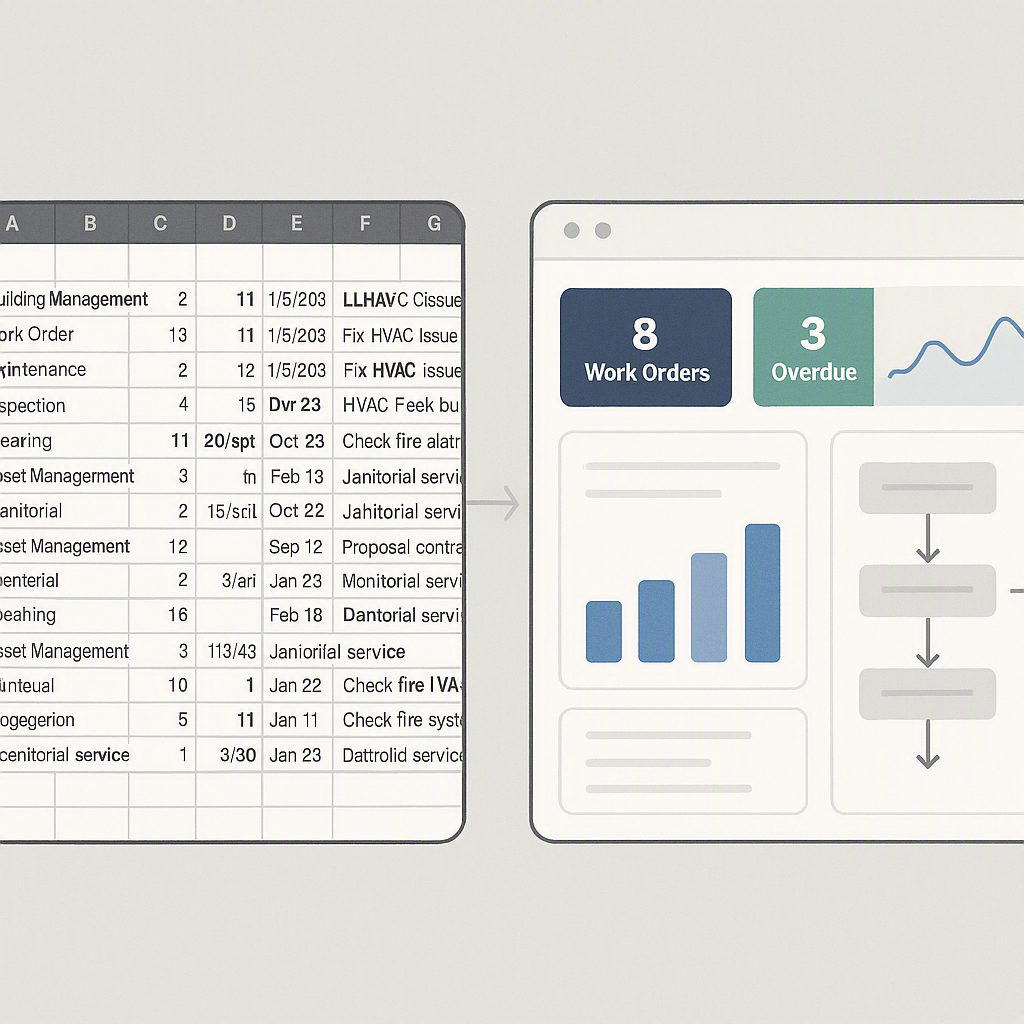
Here’s the problem: construction billing is inherently complex. RA (Running Account) bills, stage-wise invoicing, monthly bills, supply BOQ billing, combined billing, one-time invoicing — the list goes on. Many contractors manage these using spreadsheets or disconnected tools. But spreadsheets don’t catch mistakes. They don’t remind you about billing milestones. And they certainly don’t help you chase overdue payments.
Enter SaaS ERP systems. Specifically, ones like JobNext. These platforms automate billing workflows, so nothing slips through the cracks. Let’s break it down.
How SaaS ERP Handles Complex Billing
1. Covers All Billing Methods
Whether you’re invoicing based on RA bills, milestones, or BOQs, a good SaaS ERP will support it. For instance, JobNext supports six billing types out of the box, so you’re not forced to hack together a solution. If your project requires stage-wise invoices, the system ensures that each stage's scope and resources align with the contract.
Why does this matter? Because manually managing multiple billing types leads to errors — missed line items, duplicated costs, or forgotten invoices. Those errors eat into your margins, fast.
2. Automates Approval Chains
In construction, billing isn’t as simple as "generate invoice, send to client." There are internal approvals, client-side reviews, and sometimes even third-party audits. A SaaS ERP automates these approval chains.
For example, JobNext routes every invoice through predefined workflows. Need your project manager’s sign-off before invoicing the client? Done. Need a finance controller to review GST or TDS compliance before submission? Also done.
This ensures billing accuracy while reducing delays. No more emailing PDFs back and forth. No more random WhatsApp messages asking, "Did you approve that bill?"
3. Tracks Payments Against Invoices
A surprising number of contractors don’t track payments properly. They send an invoice and assume the client will pay. But what happens when payments are delayed? Or when a client disputes an invoice? Without proper tracking, you’re stuck scrambling to match payments with invoices.
SaaS ERPs like JobNext solve this by linking payments directly to invoices. You can see which invoices are overdue, which have partial payments, and which are fully settled — all in one dashboard. This visibility helps you chase payments proactively instead of reacting to cash flow crises.
What Happens if You Don’t Fix Billing?
You might be thinking, "We’ve always managed billing manually. Why change now?" Here’s the brutal truth: manual billing costs you more than you realize.
- Missed Revenue: Forget to invoice a change order? That’s money gone.
- Delayed Payments: If your invoices are late or inaccurate, clients delay payments. Simple as that.
- Compliance Risks: GST, TDS, and other statutory requirements are non-negotiable. One mistake can lead to fines or legal trouble.
A SaaS ERP eliminates these risks because it’s designed to handle them. As this post from JobNext explains, the cost of not fixing billing leaks is often higher than the cost of implementing a new system.
Final Thoughts: SaaS ERP Isn’t Just a Nice-to-Have
For contractors, SaaS ERP isn’t about chasing the latest tech trend. It’s about survival. Margins are shrinking, competition is rising, and clients are demanding more transparency. If your billing process is still stuck in the dark ages, you’re leaving money on the table.
We’ve seen contractors in India and the GCC recover millions of rupees simply by switching to a structured billing workflow. The key is choosing a platform that understands your business. JobNext, for example, isn’t a generic ERP — it’s built specifically for contractors, with features like multi-method billing, automated approvals, and real-time payment tracking baked in.
Ready to stop losing money on billing? Start by evaluating what’s broken in your current process. Then look for a SaaS ERP that fixes those gaps.
Want to see how JobNext does it? Check out their post on why contractors need cloud ERP to stop profit leaks. It’s an eye-opener.
Have questions about SaaS ERP for construction? Let us know in the comments or reach out directly. We’re here to help.
Ready to see JobNext in action?
Multi-tenant SaaS ERP for construction, facilities management, and contracting — covering preconstruction, project execution, procurement, HR & payroll, equipment, finance, and 150+ analytics reports.
Get Started Free →Learn more at JobNext.ai