Why Construction Contractors Need a Better Asset Register
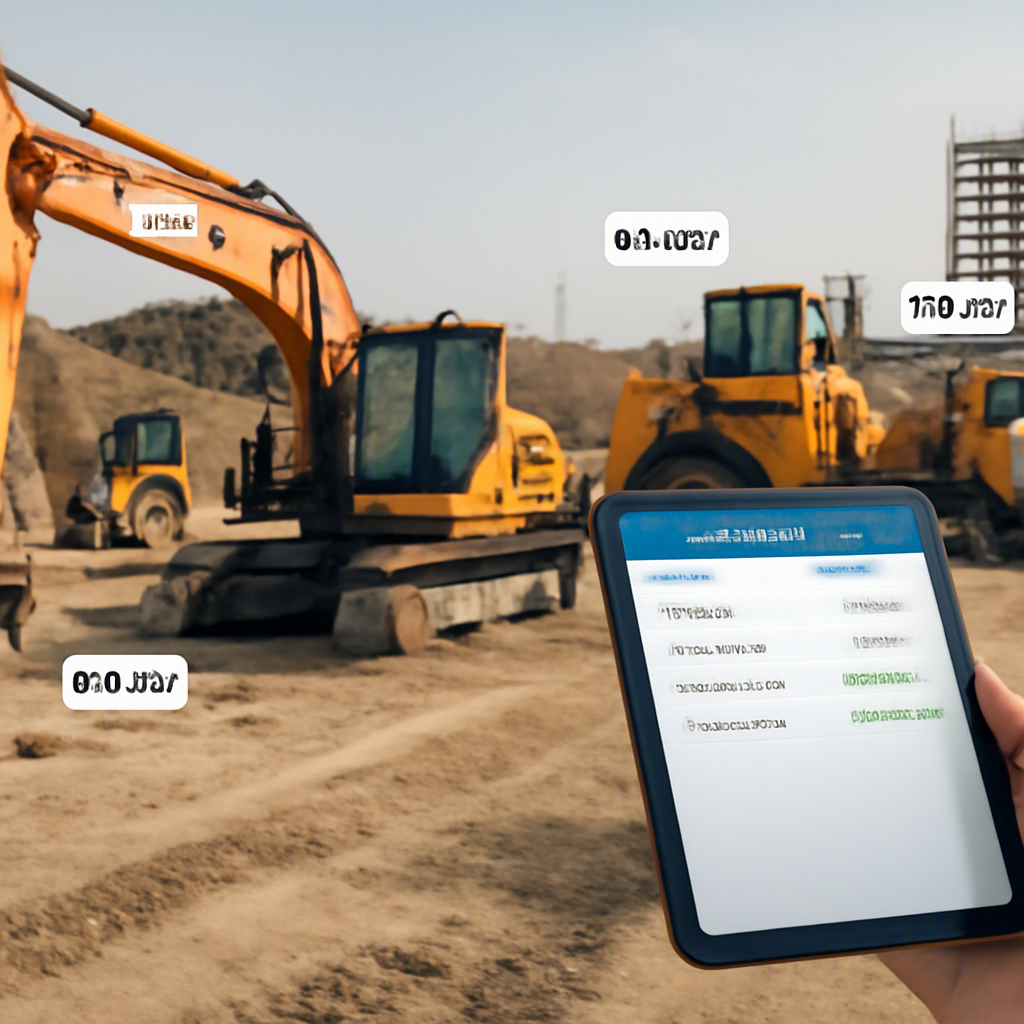
Let’s start with a common frustration. You’re at a project site, and a critical piece of machinery is missing. Nobody knows if it’s been sent to another site, is stuck in maintenance, or has gone missing altogether. Sound familiar? For contractors managing multiple projects across India and the GCC, this isn’t just an inconvenience—it can lead to project delays, revenue loss, and even compliance risks.
Here’s the problem: many contractors still rely on spreadsheets or, worse, handwritten logs to track their assets. While these methods might work for a small operation, they fall apart when you’re juggling multiple projects, sites, and teams. A basic Excel sheet can’t handle complexities like depreciation schedules, multi-location tracking, or compliance with GST/TDS in India or VAT in the GCC.
If you’re still using an outdated system, it’s time to rethink your approach. An effective asset register isn’t just a static list—it’s a dynamic tool that helps you manage costs, improve project efficiency, and stay compliant.
Essential Components of a Construction-Specific Asset Register
Before we dive into the nitty-gritty of creating an asset register, let’s talk about what it should include. While asset registers are fairly standard across industries, contractors have unique needs. Your register should include:
| Field | Purpose |
|---|---|
| Asset ID | Unique identifier for each asset for tracking and auditing purposes. |
| Asset Description | Brief details (e.g., Excavator, Model XYZ, 20-ton capacity). |
| Serial Number | Manufacturer’s serial number for warranty and maintenance tracking. |
| Location | Current physical location (e.g., Project A, Site B). |
| Custodian | Employee or contractor responsible for the asset. |
| Purchase Date | When the asset was acquired. |
| Cost | Original purchase price, for financial tracking and depreciation. |
| Depreciation Method | SLM (Straight-Line Method) or WDV (Written Down Value) for accounting. |
| Maintenance Schedule | Upcoming maintenance tasks and dates. |
| Status | Active, under maintenance, idle, or disposed. |
Why These Components Matter
Each field in your asset register serves a specific purpose, and skipping any of them can lead to inefficiencies or compliance risks. For example:
- Asset ID: A unique identifier prevents confusion between similar assets, especially when multiple sites operate simultaneously. Think of it as a serial number for your internal system.
- Depreciation Method: Inaccurate depreciation tracking can lead to over- or under-reporting expenses, affecting your financial statements and tax compliance.
- Maintenance Schedule: Missing maintenance deadlines can cause operational downtime, which directly impacts project timelines and costs.
Actionable Steps for Better Data Management
- Standardize Asset IDs: Use a consistent format for asset IDs. For example, include location codes and serial numbers to make future tracking easier.
- Automate Maintenance Alerts: Use a digital tool to schedule reminders for maintenance, minimizing the risk of overlooking critical tasks.
- Centralize Data Storage: Avoid siloed information by keeping all asset data in one centralized system that can be accessed by all relevant stakeholders.
If you’re using spreadsheets, you’ve likely struggled to keep this information accurate and up to date. And that’s the core issue: static templates are not built for the dynamic world of construction projects.
The Problem with Static Asset Registers
Spreadsheets are cheap and familiar, but they’re also risky. Why? Because they:
- Are prone to errors: One wrong cell and suddenly, the numbers don’t add up. Spotting the mistake? Good luck.
- Don’t scale: Tracking 10 assets on one site is manageable. Tracking 300 assets across 20 sites? A nightmare.
- Lack real-time updates: You can’t just open a spreadsheet and see where every machine is right now.
- Aren’t compliant: In India and GCC, you need to track GST/TDS on transactions, even for asset disposals. Spreadsheets won’t handle this seamlessly.
Risks of Using Spreadsheets
Here’s a deeper look at why spreadsheets fall short:
- Data Loss: Accidental deletions or file corruption can cost you weeks of work.
- No Audit Trail: You can’t track changes effectively, which is a major problem during audits.
- Limited Collaboration: In a multi-user environment, spreadsheets often lead to version conflicts.
Comparison: Spreadsheets vs. Digital Asset Management Tools
| Feature | Spreadsheets | Digital Asset Tools |
|---|---|---|
| Real-Time Updates | No | Yes |
| Multi-User Collaboration | Limited | Seamless |
| Maintenance Alerts | Manual | Automated |
| Error Handling | High Risk | Low Risk |
| Compliance Tracking | No | Built-In |
If you’re serious about improving margins and avoiding regulatory fines, you need a system that can handle these challenges. That’s where ERP systems and digital asset management come in.
Practical Steps to Create an Asset Register for Contractors
Let’s get into the how. Here’s a step-by-step guide to creating an asset register that works for contractors in India and GCC:
1. Compile a List of All Assets
Start with a full inventory. Include everything: excavators, scaffolding, batching plants, even laptops. If you’re unsure, walk your sites and yards to catalog what’s actually there. This ensures you won’t miss smaller assets that can still impact operations and costs.
2. Assign Unique Identifiers
Every asset needs a unique ID. This could be a serial number, a barcode, or a custom alphanumeric code. For example, an excavator at your Dubai site could be tagged as “DXB-EXC-001.” Barcoding is particularly effective, as it allows for instant scanning and updates.
3. Capture Key Details
For each asset, record the fields listed above—ID, description, location, custodian, purchase date, etc. Don’t skip anything. These details will save you later when you need to trace an issue.
4. Choose a Depreciation Method
Most contractors use either the Straight-Line Method (SLM) or Written Down Value Method (WDV). Work with your accountant to choose the method that aligns with local regulations and your financial strategy.
5. Set Up Maintenance Schedules
Use the manufacturer’s guidelines to create a maintenance calendar for each asset. For example, a generator might need servicing every 500 hours of use. Automated reminders are a lifesaver here, reducing the risk of missed deadlines.
6. Track Custody and Transfers
For multi-site operations, tracking who has custody of an asset is critical. JobNext’s Equipment & Plant Management Module, for instance, uses a 7-step transfer process to ensure every movement is logged—from transfer requisition to final receipt at the new site.
7. Digitize Your Records
Manual systems are prone to errors and inefficiencies. Transition to a digital asset management tool that integrates with your ERP system for real-time updates, compliance tracking, and automation.
Bonus Tip: Conduct Quarterly Audits
Set a schedule for quarterly or bi-annual audits to ensure the accuracy of your asset register. Compare the physical assets on-site with your records and adjust discrepancies immediately.
Why ERP Integration is a Game-Changer
An asset register is great, but without integration, it’s just another standalone system. For contractors juggling multiple projects, integrating your asset register with your ERP system is essential. Here’s why:
Key Benefits of ERP Integration
- Real-Time Updates: Platforms like JobNext automatically update asset locations, statuses, and maintenance records. No more manual data entry.
- Compliance Made Easy: In India, GST and TDS compliance are non-negotiable. JobNext ensures your asset transactions are compliant with automated GST and TDS calculations.
- Streamlined Operations: JobNext’s Equipment & Plant Management Module lets you allocate assets directly to jobs, track depreciation, and manage transfers seamlessly. This is a game-changer for contractors managing hundreds of assets across multiple sites.
Feature Comparison Table
| Feature | Manual Systems | ERP Systems |
|---|---|---|
| Real-Time Updates | No | Yes |
| GST/TDS Compliance Automation | No | Yes |
| Multi-Site Tracking | Limited | Comprehensive |
| Maintenance Scheduling | Manual reminders | Automated notifications |
Compliance Considerations in India & GCC
Falling foul of the law isn’t just an inconvenience—it’s expensive. In India, contractors must ensure GST and TDS compliance for asset transactions. In the GCC, VAT rules are equally stringent.
How Digital Tools Help
An asset register helps by keeping all the required data—purchase dates, suppliers, and costs—in one place. Platforms like JobNext take it further by integrating this data with finance modules, automatically calculating GST/TDS, and generating the necessary vouchers. This eliminates manual errors and reduces the risk of penalties.
Common Mistakes to Avoid
Even with the best tools, mistakes happen. Here are a few to watch out for:
-
Not Updating Records An asset register is only as good as the data in it. Make sure your team updates it in real time. Automate this process where possible.
-
Ignoring Depreciation If you’re not tracking depreciation, you’re missing a key cost factor. It’s not just about compliance—it’s about understanding your true costs.
-
Skipping Custody Tracking Without knowing who’s responsible for an asset, losses are inevitable. Use tools like JobNext to track this automatically.
If you’re ready to leave behind the chaos of manual tracking, JobNext can help. Our Equipment & Plant Management Module makes asset tracking, compliance, and cost management easy for contractors in India and GCC. Get started today.
Learn more at JobNext.ai