Equipment Underutilization: The Silent Margin Killer
Construction companies often bleed money without realizing it. One of the biggest hidden costs? Idle or underutilized equipment. We’ve seen contractors lose up to ₹50 lakh ($60,000+) annually because they don’t know their fleet usage in real time. Equipment sits idle, maintenance gets delayed, and depreciation eats into profits. Sound familiar?
Equipment underutilization isn’t just a minor inconvenience—it’s a silent margin killer that can erode profitability faster than you’d expect. But why does this happen, and more importantly, how can contractors fix it? This guide will explore the problem in-depth, provide actionable steps, and offer real-world case studies to help you address this critical issue.
Why Does This Happen?
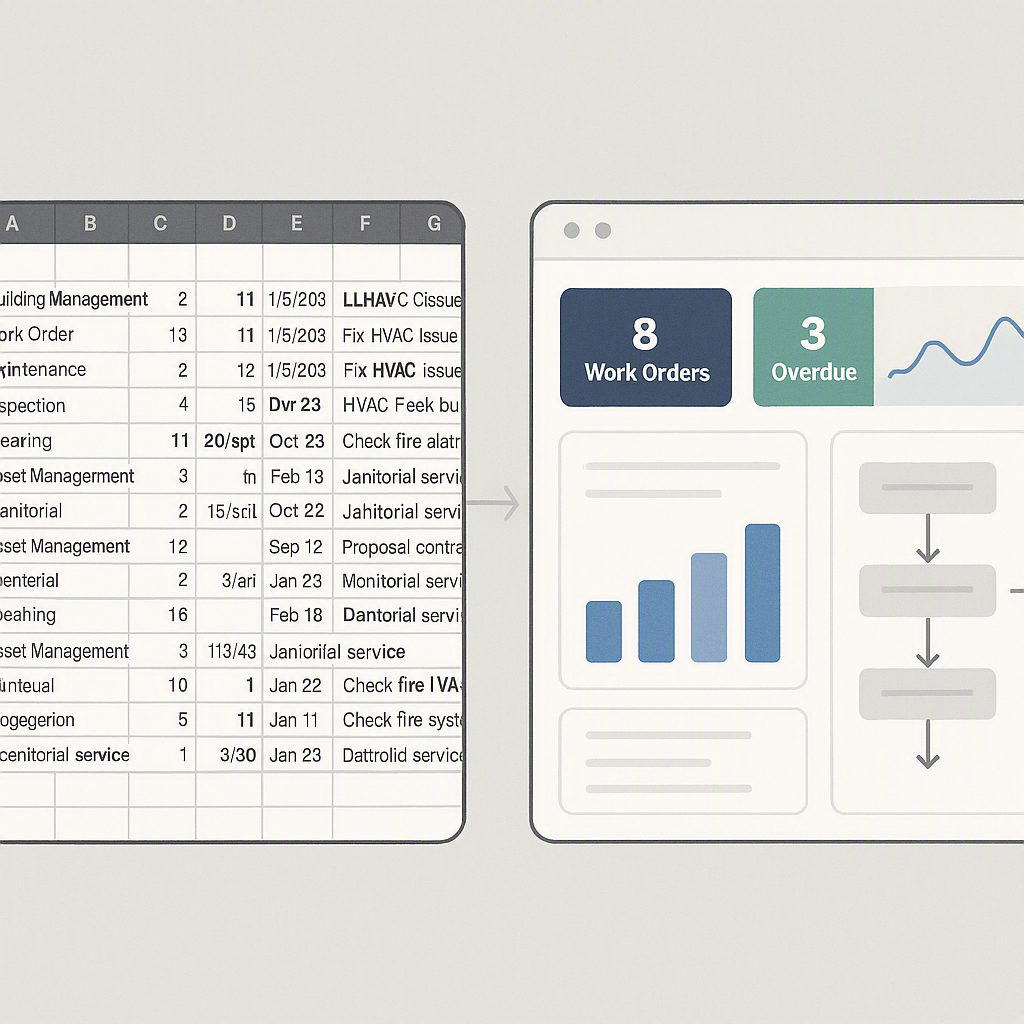
Equipment management in construction is chaotic. Many mid-sized contractors still use spreadsheets—or worse, nothing at all. They rely on site managers to report usage manually. But what happens when:
- A critical machine is out of action for a week because no one tracked its maintenance?
- You rent equipment you already own because no one knew it was available?
- Idle assets rack up depreciation without contributing to project revenue?
Real-World Examples of Chaos
-
Untracked Maintenance: A contractor in Delhi delayed servicing on a ₹1.2 crore ($150,000) crane due to poor maintenance tracking. The result? A hydraulic failure that cost ₹10 lakh in repairs and caused a two-week project delay, incurring penalties of ₹5 lakh. This was entirely avoidable with proper monitoring.
-
Double Rentals: A construction firm in Hyderabad rented an excavator for ₹3 lakh/month while their own excavator sat idle 40 km away. By the time they realized the mistake, they had wasted ₹9 lakh over three months.
-
Depreciation Mismanagement: A company in Chennai held onto old generators well beyond their useful life. These assets not only racked up high maintenance costs but also depreciated to a near-zero resale value. They missed the opportunity to sell them earlier for ₹15 lakh.
Each of these scenarios might seem small, but they add up fast. And here’s the kicker: you only realize the problem when it’s too late.
The SaaS ERP Fix: From Chaos to Clarity
With a platform like JobNext, contractors can take control of their equipment lifecycle. SaaS ERP (Enterprise Resource Planning) systems offer a centralized, automated way to manage equipment, saving time and money.
1. Real-Time Utilization Tracking
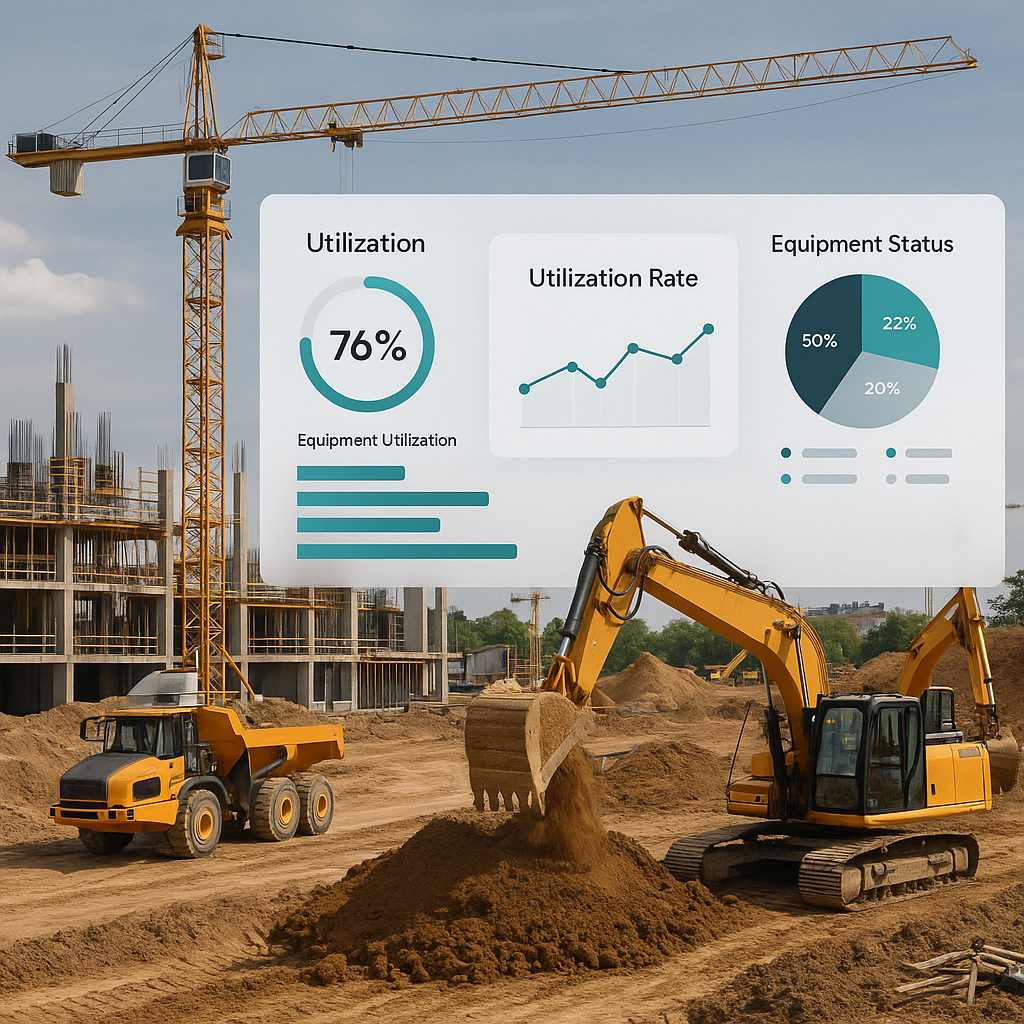
SaaS ERP systems connect directly to your operations, tracking which equipment is being used, where, and how often. JobNext, for example, provides dashboards that let you monitor utilization rates across all sites at a glance. If a backhoe is sitting idle for weeks, you’ll know instantly.
Actionable Steps:
- Install GPS trackers on all major assets.
- Use a SaaS ERP system that integrates GPS data into utilization dashboards.
- Set benchmarks for acceptable idle time (e.g., no machine should be idle for more than 10% of its scheduled time).
Example:
A contractor in Pune used JobNext to analyze their fleet utilization. They discovered that 30% of their machines were idle during peak working hours. By reallocating these machines to high-demand sites, they avoided ₹18 lakh in rental costs over six months.
2. Preventive Maintenance Alerts
No more relying on site supervisors to flag maintenance needs. A SaaS ERP like JobNext automates this. It tracks hours of usage, issues alerts when maintenance is due, and keeps a digital record of servicing. This minimizes downtime and extends asset life.
Actionable Steps:
- Implement preventive maintenance schedules based on OEM (Original Equipment Manufacturer) guidelines.
- Automate maintenance alerts through the ERP system.
- Track maintenance costs to identify high-cost assets that may need replacement.
Example:
A road construction firm in Rajasthan saved ₹7 lakh annually by automating maintenance schedules. Before, they relied on manual logs, leading to frequent breakdowns. With JobNext, they reduced maintenance-related downtime by 40%.
3. Centralized Asset Allocation
Need equipment for a new project? SaaS ERP shows you what’s available across your organization. No need to panic-rent machinery at inflated rates. JobNext even calculates the cost of reallocating equipment versus renting, helping you make smarter decisions.
Actionable Steps:
- Maintain an up-to-date inventory of all equipment, including location and usage status.
- Use ERP-generated cost analyses to decide between reallocating or renting equipment.
- Train site managers to request equipment through the ERP system rather than ad hoc methods.
Example:
A contractor in Gujarat avoided ₹12 lakh in rental expenses by reallocating underutilized machinery from a completed project to a new site 60 km away. JobNext’s cost calculator showed that moving the equipment was 80% cheaper than renting.
4. Depreciation and Disposal Planning
Equipment isn’t forever. SaaS ERP tracks depreciation from purchase to disposal, ensuring you sell assets at the right time. JobNext’s financial module integrates these figures directly into your books, so you can see how equipment impacts your bottom line.
Actionable Steps:
- Use ERP depreciation reports to identify when an asset’s maintenance costs outweigh its value.
- Develop a disposal plan for underperforming or obsolete assets.
- Reinvest proceeds from asset sales into newer, more efficient equipment.
Example:
A contractor in Bangalore sold three aging cranes for ₹25 lakh each after JobNext flagged them as high-depreciation assets. They reinvested the ₹75 lakh into newer models, reducing maintenance costs by 30%.
Real-World Impact: ₹50 Lakh Saved
Let’s look at a real example. A mid-sized MEP contractor in Bangalore managed a fleet of 40+ machines—cranes, excavators, and generators. Before adopting SaaS ERP, they faced constant chaos:
- ₹20 lakh lost annually to unplanned rentals
- ₹15 lakh in maintenance overruns due to missed servicing schedules
- ₹10 lakh in depreciation losses from holding onto obsolete equipment
Results After SaaS ERP Implementation:
- 40% Reduction in Rental Expenses: Real-time tracking identified underutilized machines that could be reallocated.
- 25% Fewer Maintenance Breakdowns: Automated alerts ensured timely servicing.
- ₹12 Lakh Saved on Asset Disposal: Depreciation tracking enabled timely sales.
The total savings? ₹50 lakh in the first year alone.
Why Spreadsheets Don’t Cut It
You might think, "We’ve been managing equipment with Excel for years—it works." But does it really? Here’s why spreadsheets fail:
| Problem | Spreadsheets | SaaS ERP |
|---|---|---|
| Data Silos | Data doesn’t sync with project schedules. | Centralized platform integrates data. |
| Human Error | Manual updates lead to inaccuracies. | Automated tracking ensures accuracy. |
| Zero Insights | No real-time analytics or forecasting. | Dashboards and reports provide actionable insights. |
Spreadsheets weren’t built for this level of complexity. SaaS ERPs were.
The Bigger Picture: SaaS ERP and ROI
SaaS ERP isn’t just about fixing equipment issues. It’s about aligning your entire operation—projects, procurement, HR, and finance—on a single platform. Equipment underutilization is just one piece of the puzzle. When you solve it, you unlock better margin control across the board.
If you want to learn more about how SaaS ERP tackles other profit leaks, check out this related article: ₹1.2 Crore Lost to Manual Subcontractor Tracking: Why FOUNDATION ERP Fails Contractors in India & GCC.
FAQ
Q: Isn’t SaaS ERP expensive for small contractors?
A: The upfront cost might seem high, but the ROI is undeniable. For example, JobNext clients save lakhs annually by fixing margin leaks like equipment underutilization alone.
Q: How long does implementation take?
A: It depends on the size of your operation, but most contractors are up and running in under 3 months with JobNext. A dedicated onboarding team ensures minimal disruption.
Q: Can SaaS ERP integrate with existing tools?
A: Absolutely. JobNext integrates with platforms like Tally for statutory compliance and Razorpay-X for payments, ensuring smooth operations.
Q: What happens to my old data during migration?
A: JobNext’s implementation team ensures a smooth data migration process, importing and cleaning your old records to maintain continuity.
Q: How do I train my team to use SaaS ERP?
A: JobNext offers free training sessions and ongoing support to ensure your team adopts the platform effectively.
Ready to Fix Equipment Chaos?
If idle equipment is eating into your profits, it’s time to act. JobNext helps contractors like you track, maintain, and allocate assets efficiently. Get started today →
Learn more at JobNext.ai