Why Margin Erosion Feels Inevitable for Contractors
Contractors often face a common challenge: everything appears fine at the project level—until it’s not. By the time they realize margins have eroded, the project is halfway through, and fixing it feels impossible. Why does this happen?
The problem isn’t the big-ticket items like equipment or primary materials. It’s the BOQ (Bill of Quantities) details—those seemingly small line items where cost overruns quietly pile up. Even small errors across multiple BOQ items can significantly impact profitability.
So, how do you fix it? The answer lies in tracking profitability at the BOQ level, not just the project level. And no, spreadsheets won’t cut it.
What Is a BOQ Margin Report?
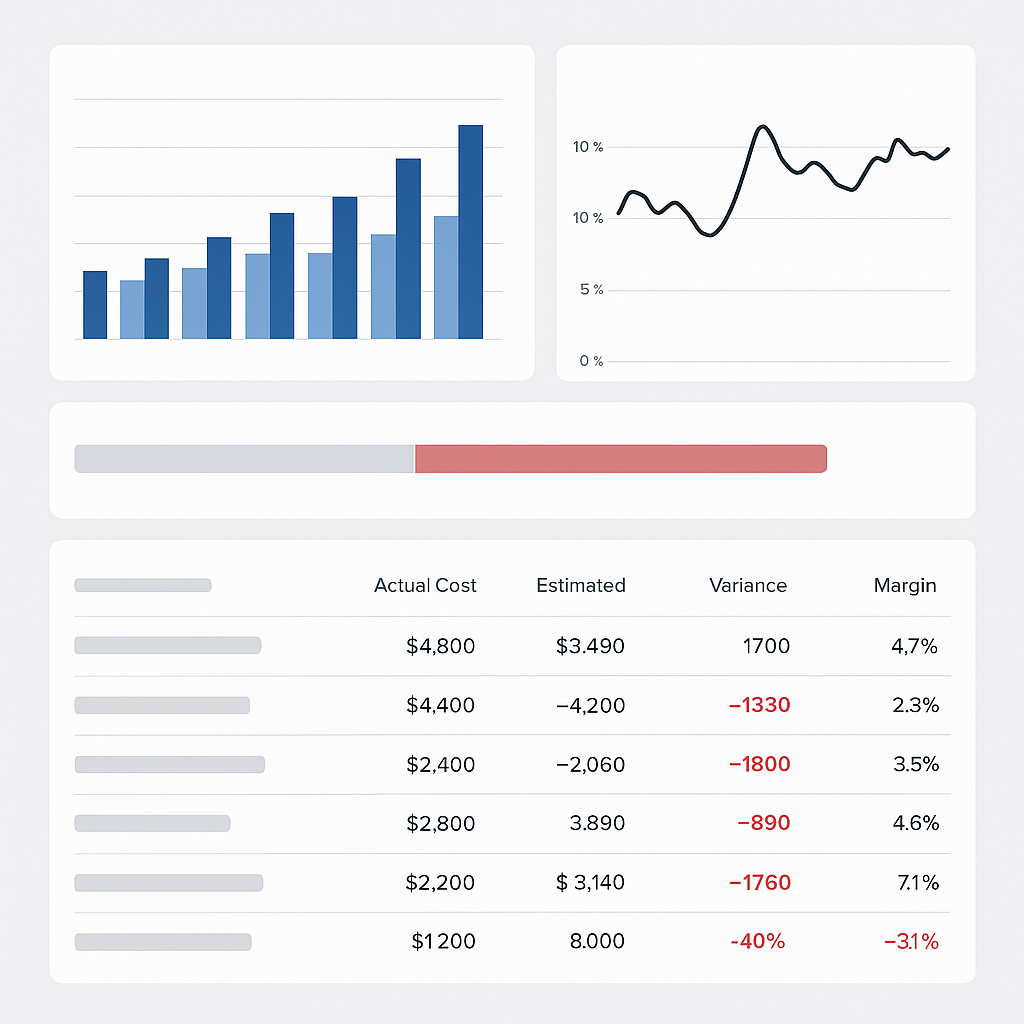
A BOQ Margin Report analyzes profit margins by comparing contracted values against actual costs for labor, materials, equipment, subcontractors, and overhead at the BOQ item level. In simple terms, it shows you which items are making money—and which are losing it.
For example:
| BOQ Item | Contracted Value | Actual Cost | Margin (%) |
|---|---|---|---|
| Concrete (M20) | ₹12,00,000 | ₹11,50,000 | 4.2% |
| Reinforcement Bar | ₹8,00,000 | ₹8,50,000 | -6.3% |
| Formwork | ₹5,00,000 | ₹4,75,000 | 5.0% |
As you can see, the Reinforcement Bar has a negative margin, meaning it’s eroding profitability. This could be due to estimation errors, scope changes, or procurement issues. Identifying these problems early is key.
How to Use a BOQ Margin Report Effectively
-
Review Weekly
Don’t wait until the end of the project to check margins. Make it a weekly habit. Negative-margin items compound over time, and early intervention saves money. -
Drill Down Into Problem Areas
If a specific BOQ item shows a negative margin, dig deeper. Is it a procurement issue? Did the scope change mid-project? Fix the root cause, not just the symptom. -
Integrate With Real-Time Data
Static reports are outdated before they’re even printed. Use a system that pulls real-time data so you’re always working with the latest numbers. -
Cross-Check with Other Reports
Don’t rely on BOQ margins in isolation. Cross-reference them with resource reconciliation and project progress reports to get a full picture of profitability.
Why Spreadsheets Fail at BOQ Margin Tracking
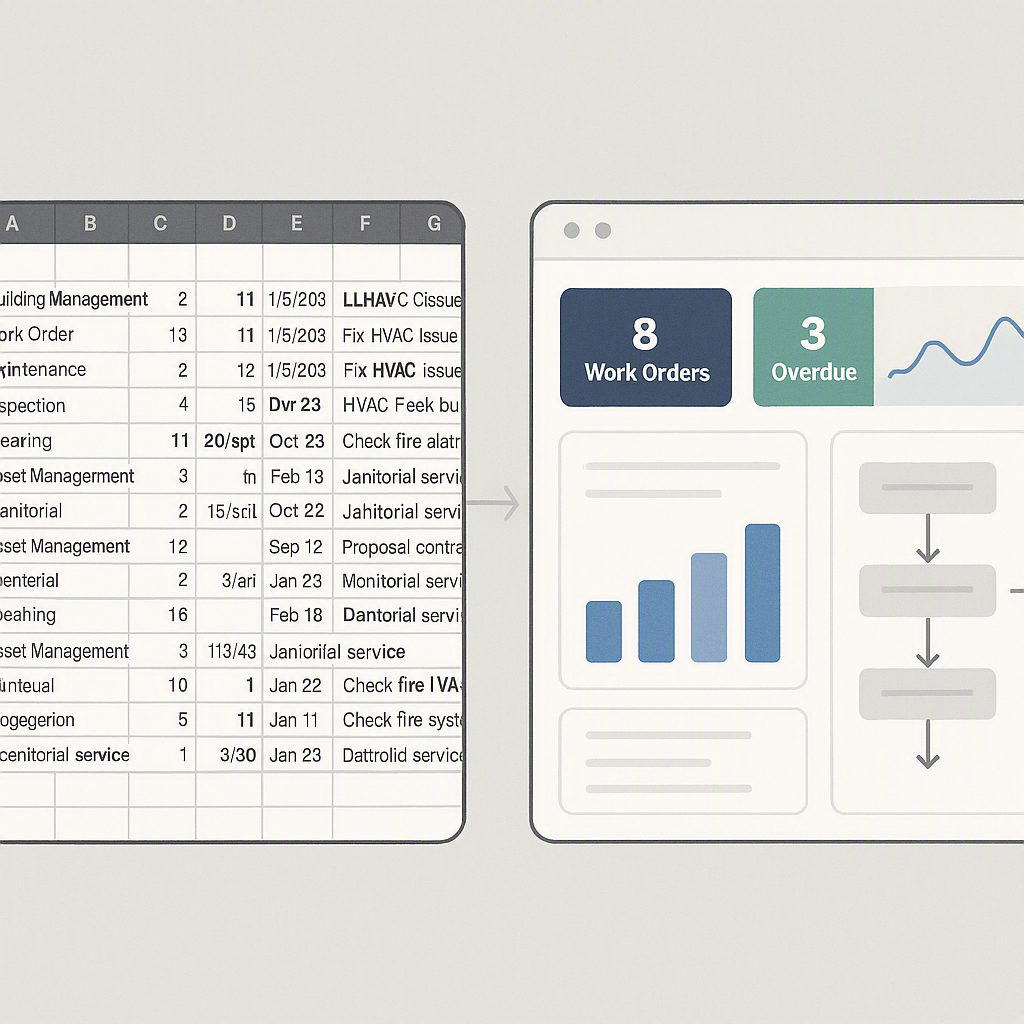
You might think, “Why not just use Excel?” Here’s why that doesn’t work:
- No Real-Time Updates: By the time you input data, it’s already outdated.
- Error-Prone: Manual data entry almost guarantees mistakes.
- Lacks Depth: Spreadsheets can’t integrate with procurement workflows or track scope changes.
Automated tools eliminate these risks by streamlining the entire process and providing actionable insights.
Practical Example: Fixing Margin Erosion in Real Life
Illustrative example — Let’s say a contractor running a large HVAC project notices that duct installation costs are over budget. By reviewing the BOQ Margin Report, they see that subcontractor costs for duct installation are driving the overrun. The root cause? The subcontractor quoted a lower rate initially but used more labor than planned.
With this insight, the contractor renegotiates rates for remaining work and adjusts future estimates. Without the report, this issue might have gone unnoticed until the project was nearly complete, significantly impacting profitability.
Common Mistakes When Using BOQ Margin Reports
-
Ignoring Small Negative Margins
A small negative margin might seem harmless, but it’s often a warning sign. Investigate every negative item. -
Overlooking Indirect Costs
Many contractors focus only on direct costs like materials and labor. Don’t forget overhead and equipment depreciation. -
Infrequent Reviews
Monthly or quarterly reviews don’t cut it. Weekly is the minimum if you want to stay ahead. -
Failure to Act
Reports are only useful if you act on them. Assign ownership for resolving negative margins.
FAQs
Q: Can I use a BOQ Margin Report for small projects?
Yes. Even small projects can benefit. Margin erosion happens at all scales.
Q: Is this only useful for contractors?
Primarily, but project managers and finance teams can also use these insights to control costs.
Q: Do I need specialized software?
Technically, no. But tools that automate the process make it faster, more accurate, and less stressful.
Q: What if my margins are already tight?
BOQ Margin Reports are even more critical in this case. They help you avoid slipping into negative profitability.
Conclusion
BOQ margin tracking isn’t just a nice-to-have; it’s a necessity. Without it, contractors are flying blind, hoping margins hold. But hope isn’t a strategy. Tools that provide BOQ Margin Reports give you the visibility to act before it’s too late.
If you’re tired of losing margins to preventable issues, consider adopting a system that simplifies margin tracking and improves project outcomes.
Learn more at JobNext.ai