Project Profitability Formula: Practical Steps for Contractors
Margins in construction are razor-thin. For contractors managing multiple projects, it’s not just about making a profit — it’s about avoiding margin erosion. Even a minor misstep in cost tracking can result in significant losses. So how do you stay ahead?
Here’s the truth: most contractors don’t lose margins because of bad estimates. They lose them because they fail to track profitability during the project. By the time they realize a project’s bleeding money, it’s too late.
Why Project Profitability Tracking is Non-Negotiable
Let’s start with the basics. Project profitability isn’t just "revenue minus cost." It’s a dynamic metric that evolves with the choices you make at every stage — from procurement and subcontractor management to labor allocation and equipment usage.
The Risk of Cost Overruns
Take BOQs (Bill of Quantities), for instance. You might start with a solid estimate and competitive pricing, but unforeseen factors can quickly disrupt your plans. For example:
- Material Price Fluctuations: Your project might begin with competitive material costs, but global supply chain issues or regional shortages could drive prices up.
- Labor Challenges: Subcontractor costs can exceed the budget due to overtime, higher-than-expected hourly rates, or scope creep.
- Equipment Utilization: Mismanagement of equipment usage or unexpected downtime can inflate costs.
These seemingly minor variances compound over time, pushing projects into the red. A 2023 McKinsey report found that over 70% of construction projects globally face cost overruns. The primary reason? A lack of real-time visibility into evolving costs.
The Formula for Project Profitability
Contractors often ask for a straightforward formula to track profitability. Here’s a practical breakdown:
Step 1: Establish Revenue Targets
Start by setting a clear revenue benchmark based on your project estimate and contract terms. This should include:
- Contracted Value: The total value agreed upon with your client.
- Billing Milestones: Revenue to be earned based on project progress.
- Expected Change Orders: Anticipate any scope changes or additions that could increase revenue.
Tip: Use historical data to refine your revenue targets. If similar projects have seen frequent change orders, factor those into your projections upfront.
Step 2: Track Costs Dynamically
Profitability tracking doesn’t mean recording costs after they’ve been incurred; it means monitoring costs as they’re committed. This includes:
- Material Purchases: Log every purchase order as soon as it’s issued.
- Labor Allocations: Track actual hours worked against estimated hours weekly.
- Subcontractor Expenses: Monitor subcontractor invoices for scope creep.
- Equipment Usage: Keep tabs on machinery hours, fuel costs, and maintenance.
Tip: Use construction management software to automate cost tracking. Manual tracking often misses committed costs, which can skew profitability calculations.
Step 3: Analyze Variance and Adjust
Variance analysis helps you compare actual costs against budgeted figures. Here’s how to do it effectively:
- Identify High-Variance Items: Look for areas where actual costs are exceeding estimates.
- Investigate Causes: Is the variance due to procurement inefficiencies, labor overruns, or scope changes?
- Take Corrective Action: Renegotiate subcontractor terms, revise procurement strategies, or reallocate resources as needed.
Tip: Conduct variance analysis weekly to catch issues early before they spiral out of control.
The Role of BOQ Margin Analysis
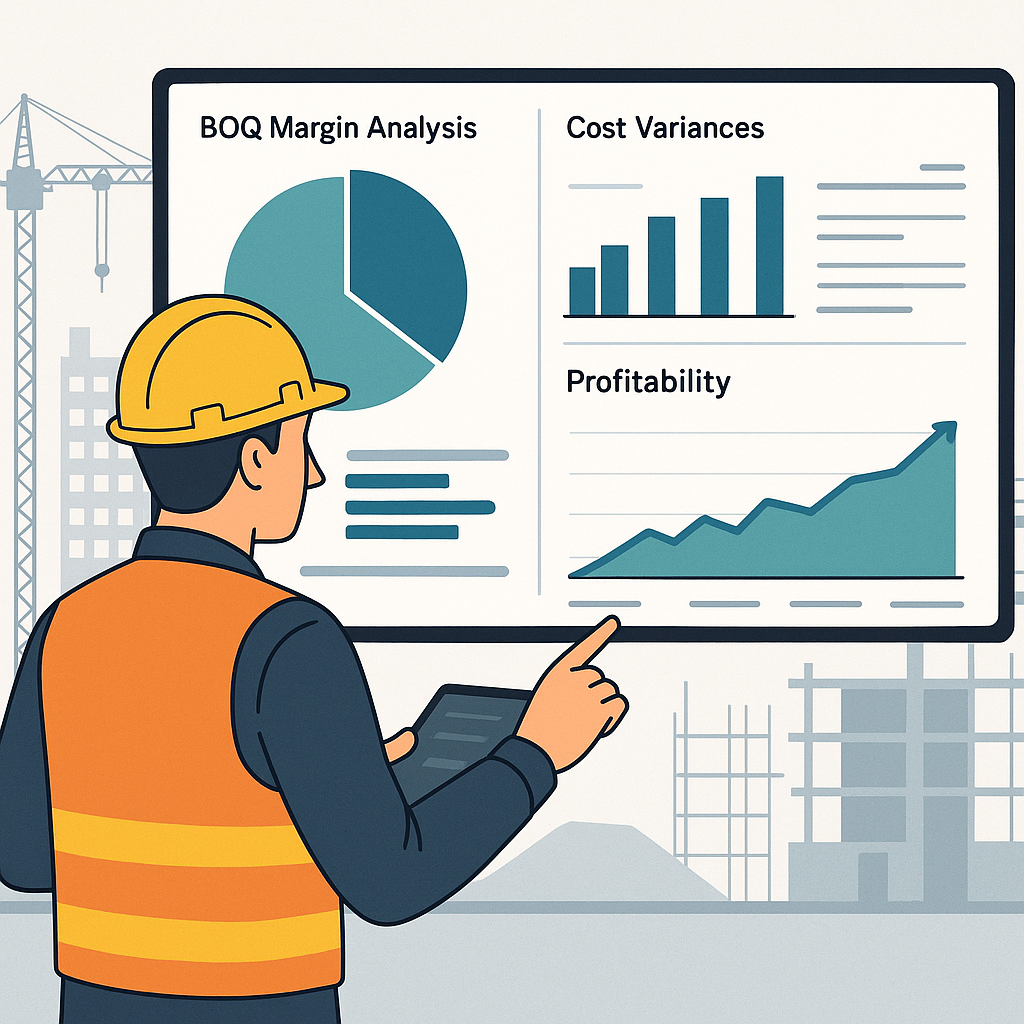
One of the most useful tools for tracking profitability is BOQ margin analysis. It breaks down profit margins by comparing contracted values against actual costs for labor, materials, equipment, subcontractors, and overheads.
How BOQ Margin Analysis Works
Here’s a step-by-step process for using BOQ margin analysis effectively:
- Monitor Weekly: Review BOQ margin reports at least once a week. This ensures you catch negative-margin items early.
- Compare Rates: Analyze quoted rates, scheduled rates, billing rates, and actual costs for each line item in the BOQ.
- Take Immediate Action: If a BOQ item shows a negative margin, revise procurement or renegotiate subcontractor terms immediately.
Tools That Simplify BOQ Margin Tracking
Platforms like JobNext automate BOQ margin analysis. With these tools, contractors can:
- Generate real-time margin reports.
- Identify items with negative margins quickly.
- Access dashboards that consolidate key profitability metrics across projects.
Common Mistakes to Avoid
Contractors often make common errors that exacerbate margin erosion. Here’s what to watch out for:
Ignoring Weekly Reviews
Failing to review profitability data weekly allows margin erosion to go unchecked. Regular reviews can help you course-correct before issues escalate.
Overlooking Resource Reconciliation
Resource reconciliation compares actual costs to budgeted figures. Tools like JobNext’s Resource Reconciliation Report ensure you aren’t missing key discrepancies.
Underestimating Procurement Chaos
Disorganized procurement leads to mismatched purchase orders, delivery delays, and inflated costs. Establish a structured procurement workflow to avoid costly errors.
Comparison Table: Manual Tracking vs. Automated Tracking
| Aspect | Manual Tracking | Automated Tracking (e.g., JobNext) |
|---|---|---|
| Accuracy | Prone to human error | High accuracy with automated calculations |
| Time Investment | Labor-intensive | Saves time with real-time updates |
| Real-Time Insights | Limited visibility | Instant access to evolving profitability data |
| Scalability | Difficult to manage for multiple projects | Easily scalable across all active jobs |
| Corrective Action Speed | Reactive (issues identified late) | Proactive (early detection of variances) |
FAQ
Q: How do I track profitability across multiple projects?
A: Use a unified platform like JobNext, which consolidates profitability metrics across all active projects. Dashboards provide a bird’s-eye view while allowing drill-downs into specific cost categories.
Q: What’s the biggest driver of cost overruns?
A: Procurement inefficiencies. Disorganized workflows, late approvals, or incorrect purchase orders often lead to inflated costs. Structured workflows and automated systems can mitigate these issues.
Q: How can I make BOQ margin tracking easier?
A: Implement reporting tools like JobNext that automatically compare contracted values, actual costs, and variances without requiring manual calculations.
Q: What’s the best frequency for profitability tracking?
A: Weekly reviews are ideal. This frequency allows you to identify and address issues before they significantly impact margins.
Q: Can software really prevent margin erosion?
A: While software can’t eliminate all risks, it provides the real-time insights needed to make informed decisions before problems escalate. This is especially critical for contractors managing multiple projects.
If you’re struggling with margin erosion or cost tracking across projects, JobNext can help. Explore JobNext →
Learn more at JobNext.ai